CHRISTMAS & NEW YEARS HOURS – SHUT DOWN WED 3PM, 18TH DEC AND OPEN MON 12TH JAN. LAST DELIVERIES BY TUES 17TH DEC.
HELLO, WELCOME TO OUR NEW WEBSITE, ANY QUERIES CALL US ON (08) 9240 7066 OR EMAIL SALES@ERGOLINK.COM.AU - EXISTING MEMBERS WILL NEED TO RESET THEIR PASSWORD ON FIRST LOG IN - THANK YOU!


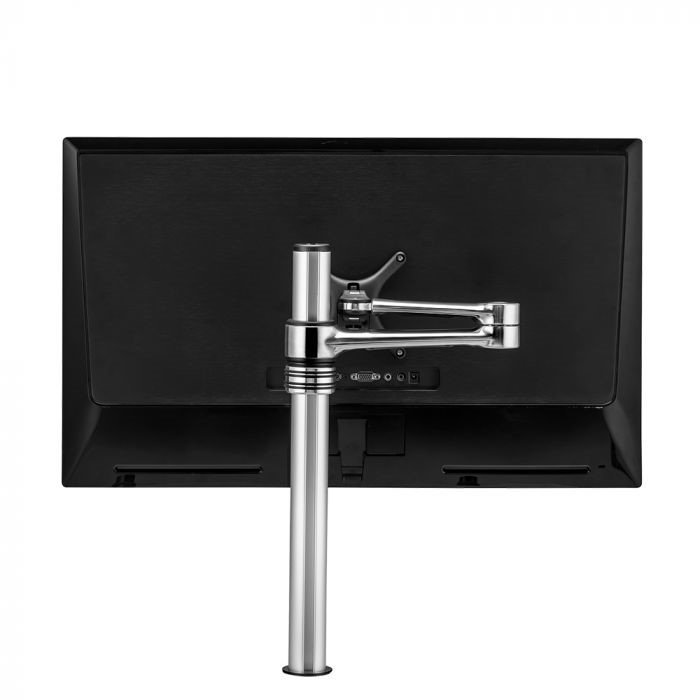
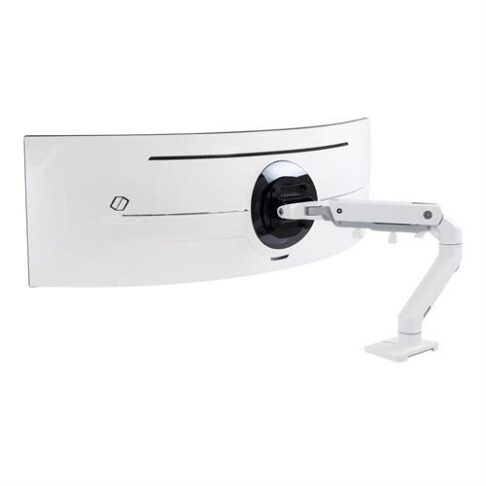
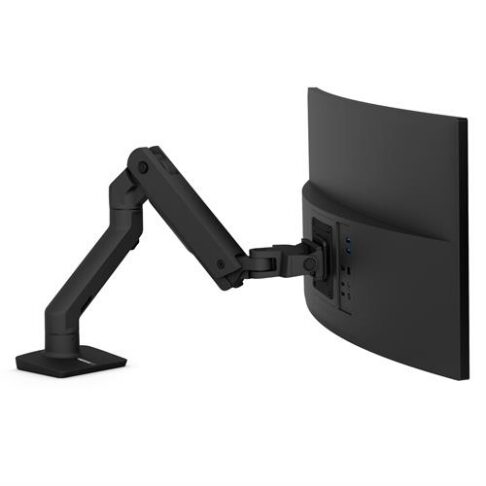
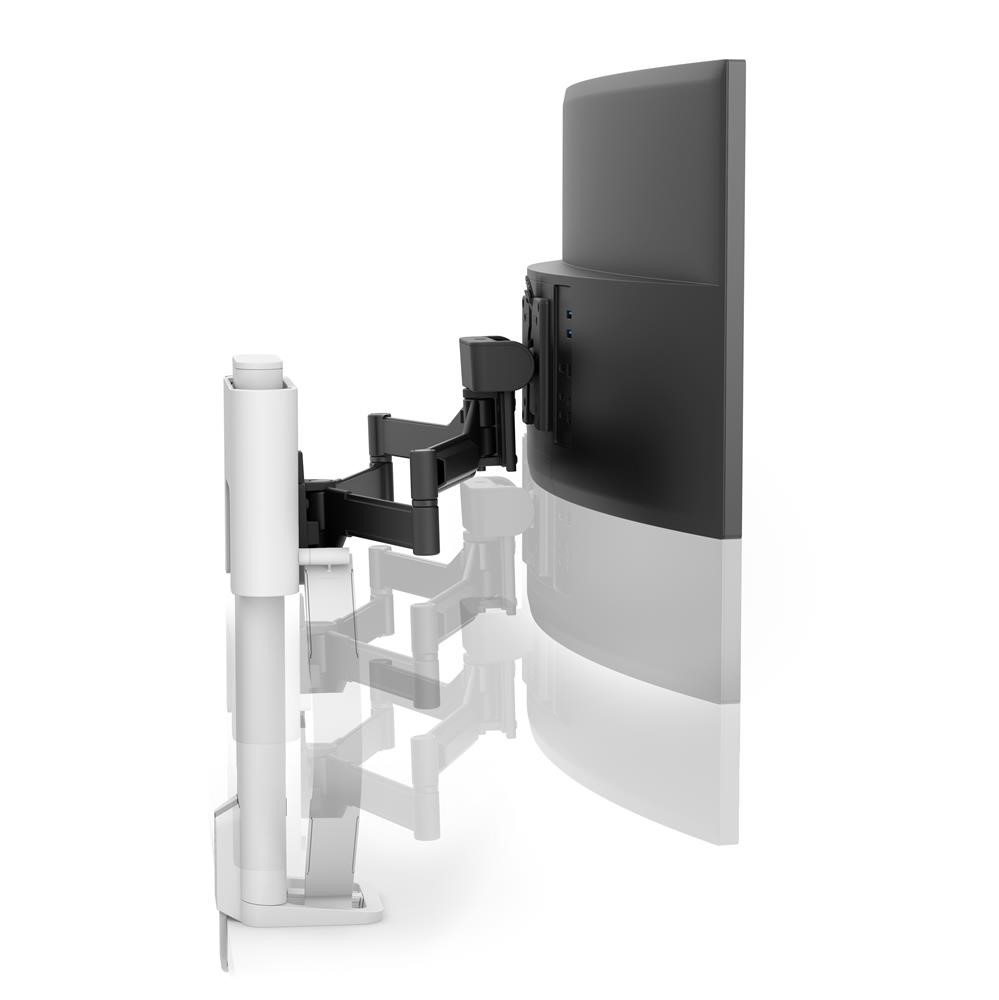
Personalise your workspace, free up space and improve workplace ergonomics with a computer monitor arm. Using an adjustable monitor arm lets you position your computer screen at eye level for better viewing.
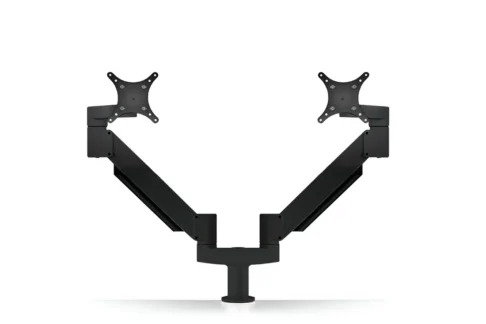
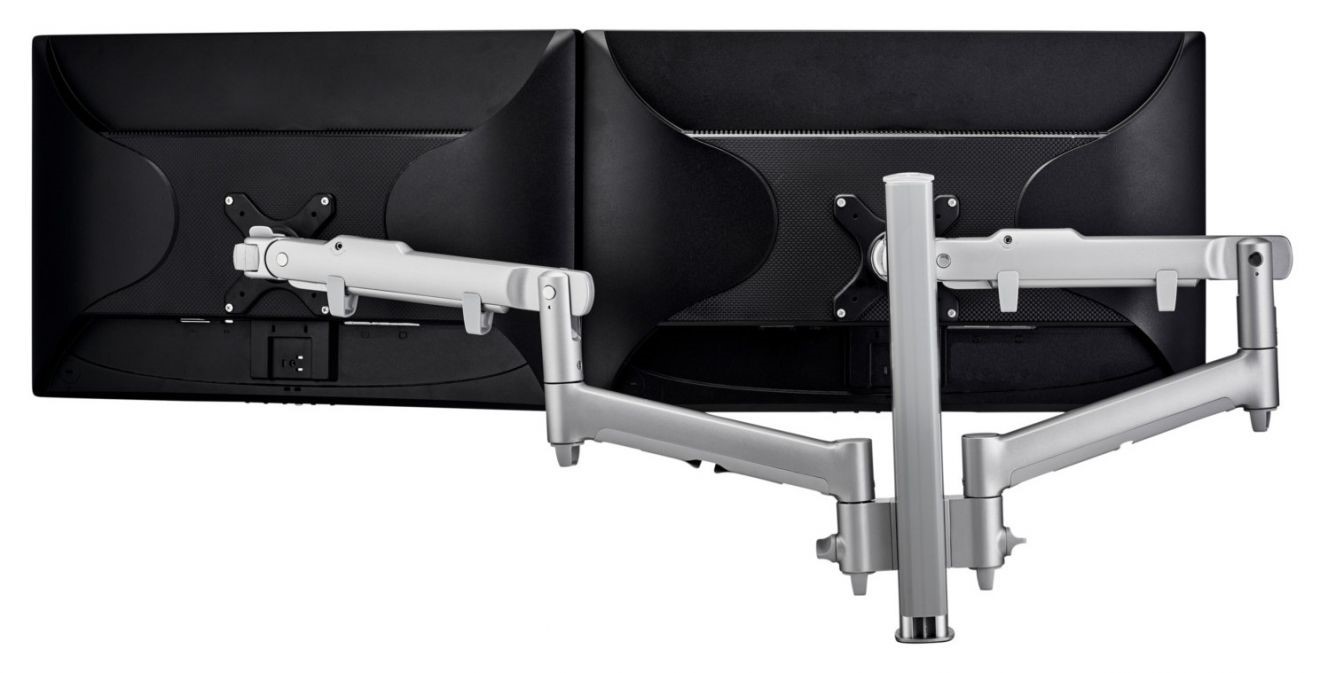
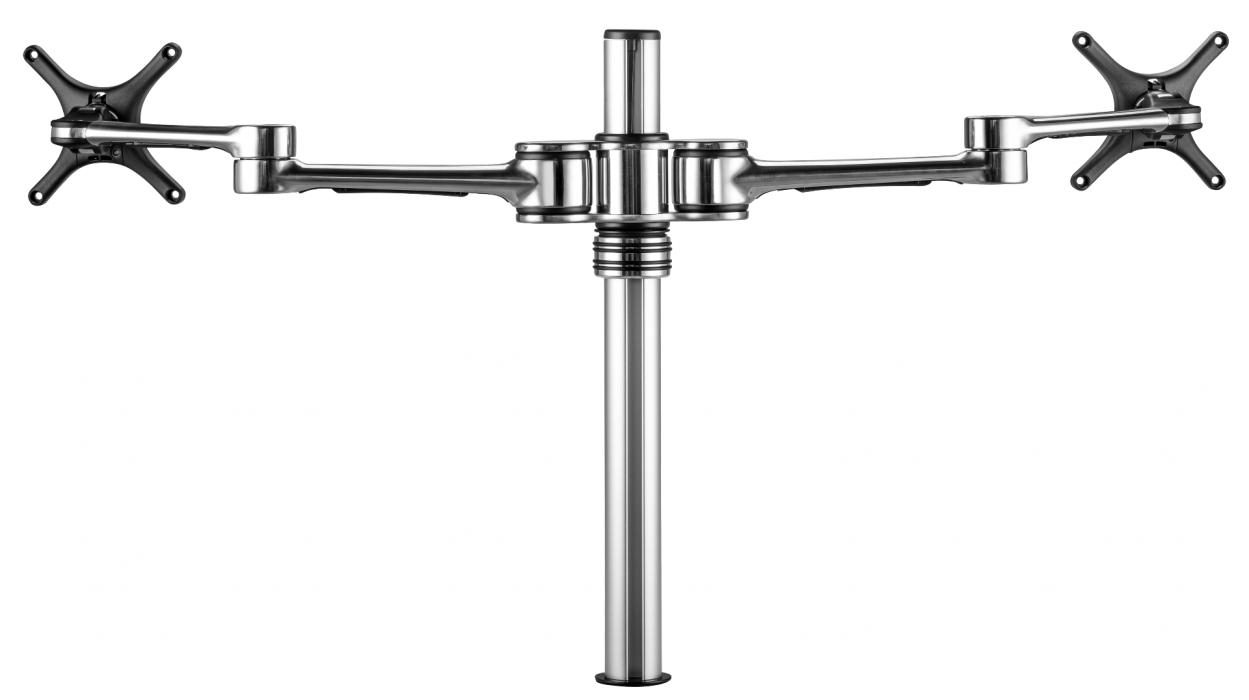
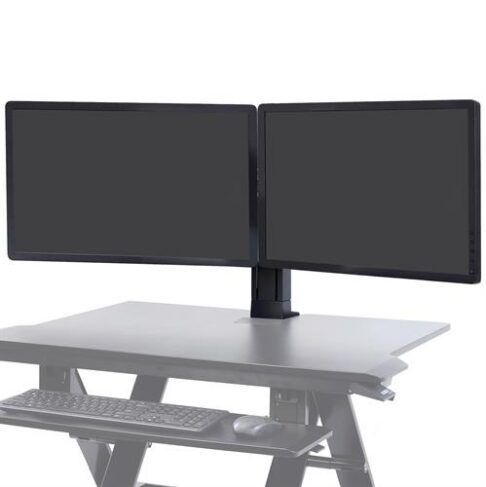
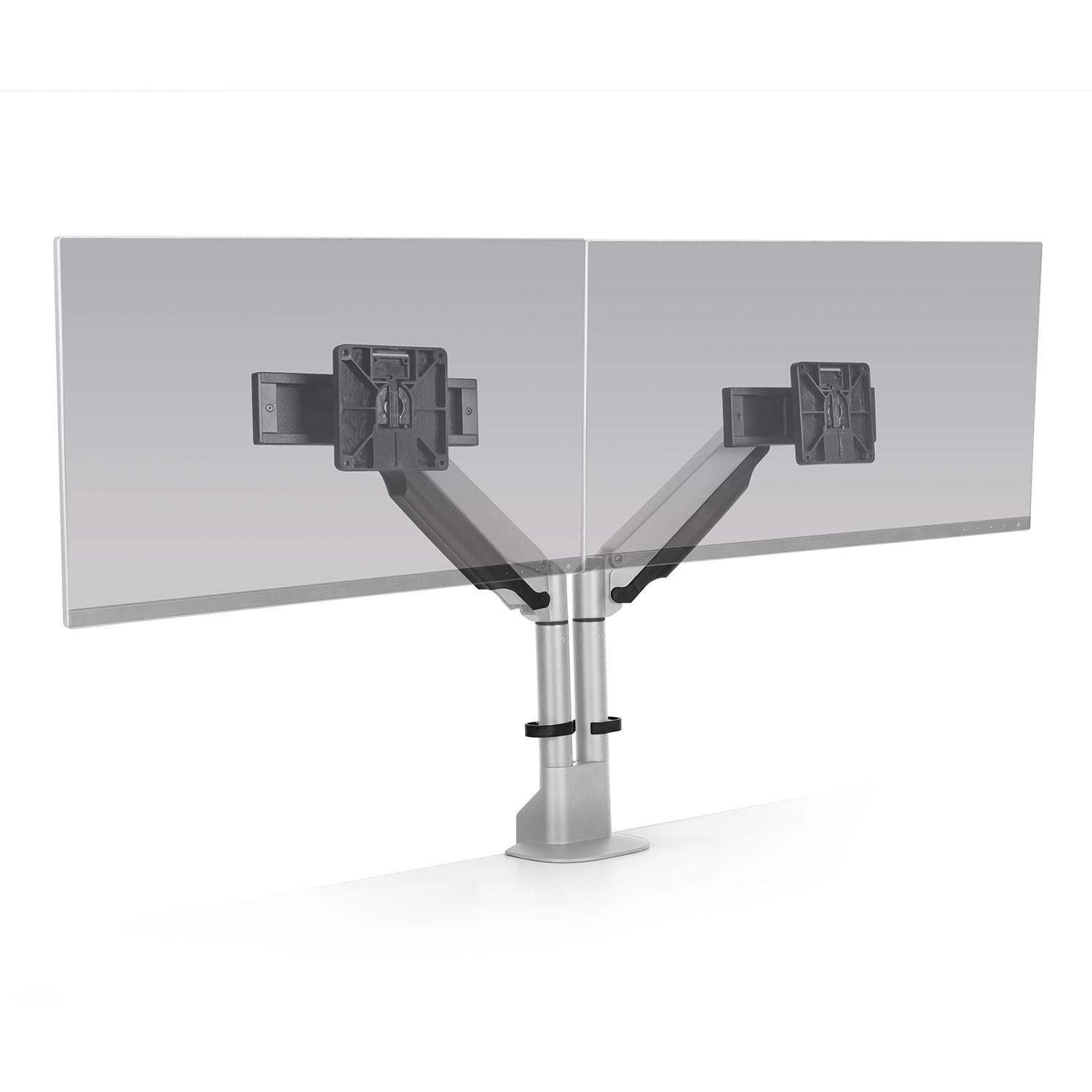
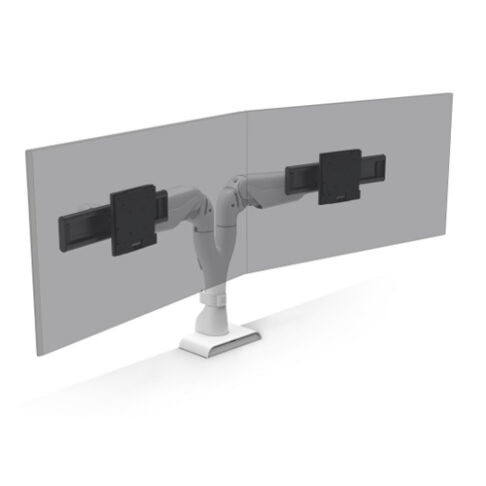
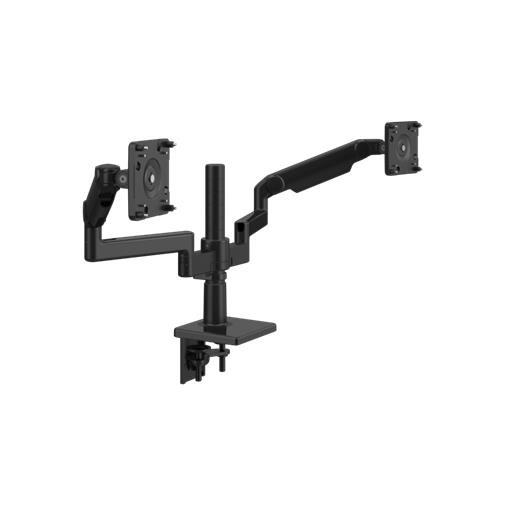
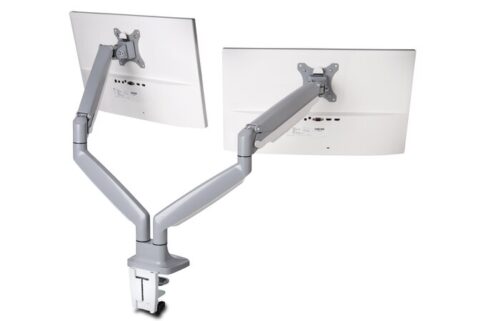
Our monitor arms are equipped to handle one, two, three or four monitors with dual monitor arms and triple monitor arms as options. Browse our full range of choices below or visit our Perth showroom. If you need help choosing your monitor get in contact with our friendly and experienced team at Ergolink.
Most ordinary computers aren’t designed ergonomically and often you may be straining your eyes and neck as you look downwards. With an adjustable monitor arm, you can maintain a healthier posture by shifting the screen height and position to your choosing.
Some key benefits of using a monitor arm include:
Monitor mounts allow you to attach your computer monitor to an extendable arm. This means you can work across multiple screens and position your monitors in the exact right spot. Monitor arms are easy to install and can be attached to the edge of the desk with either a desk clamp mount or with a grommet mount.
Once installed correctly, your monitor should move up and down easily and stay in place when adjusted.
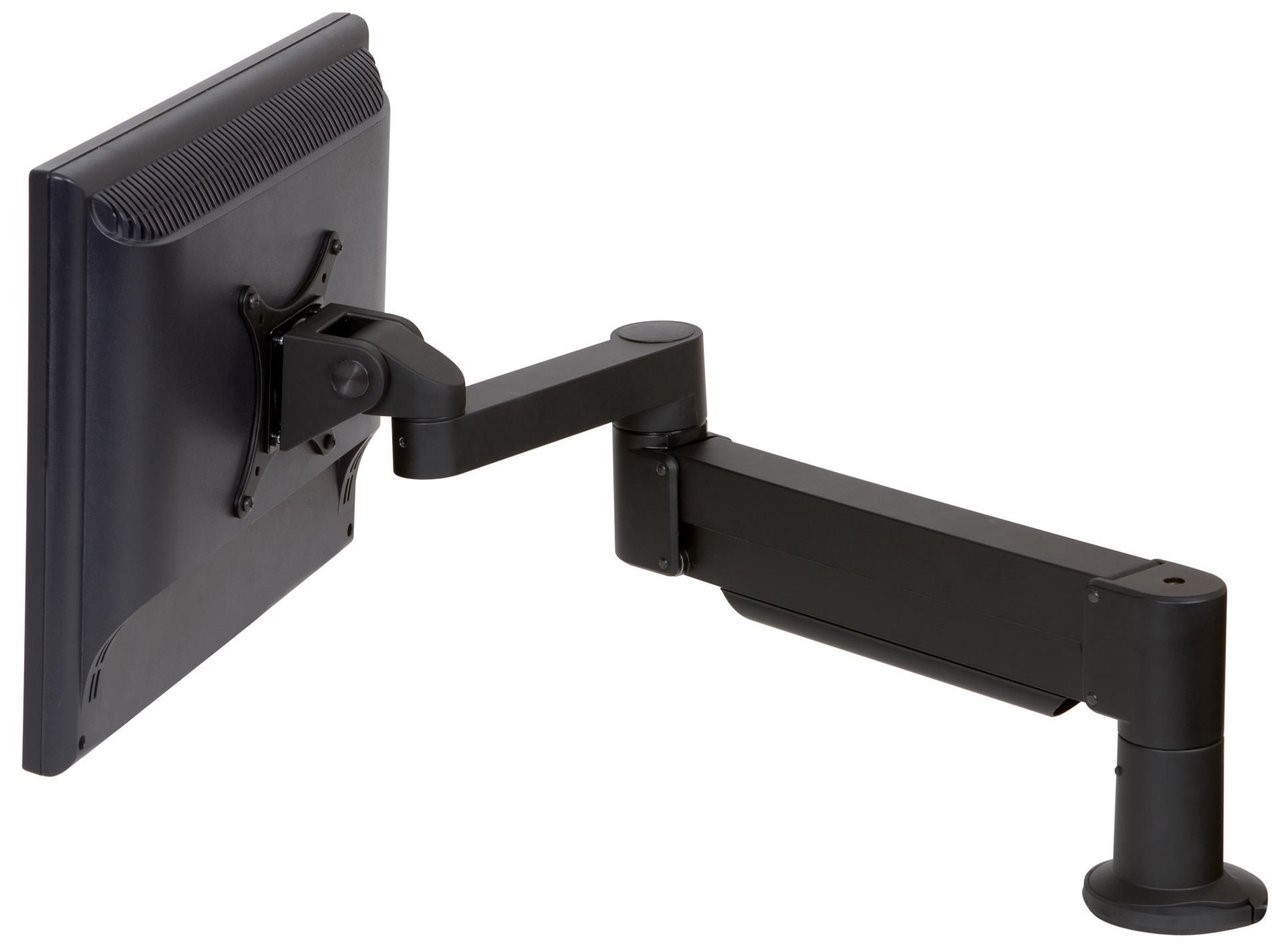
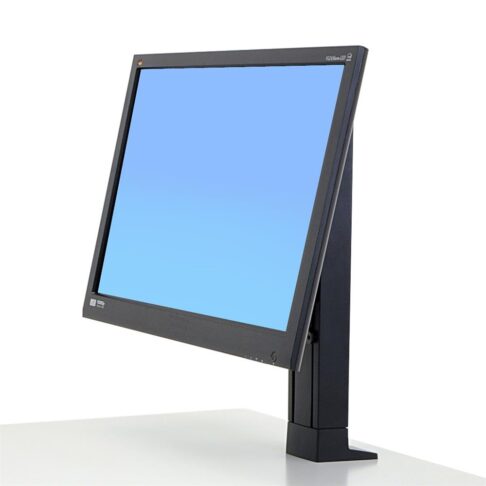
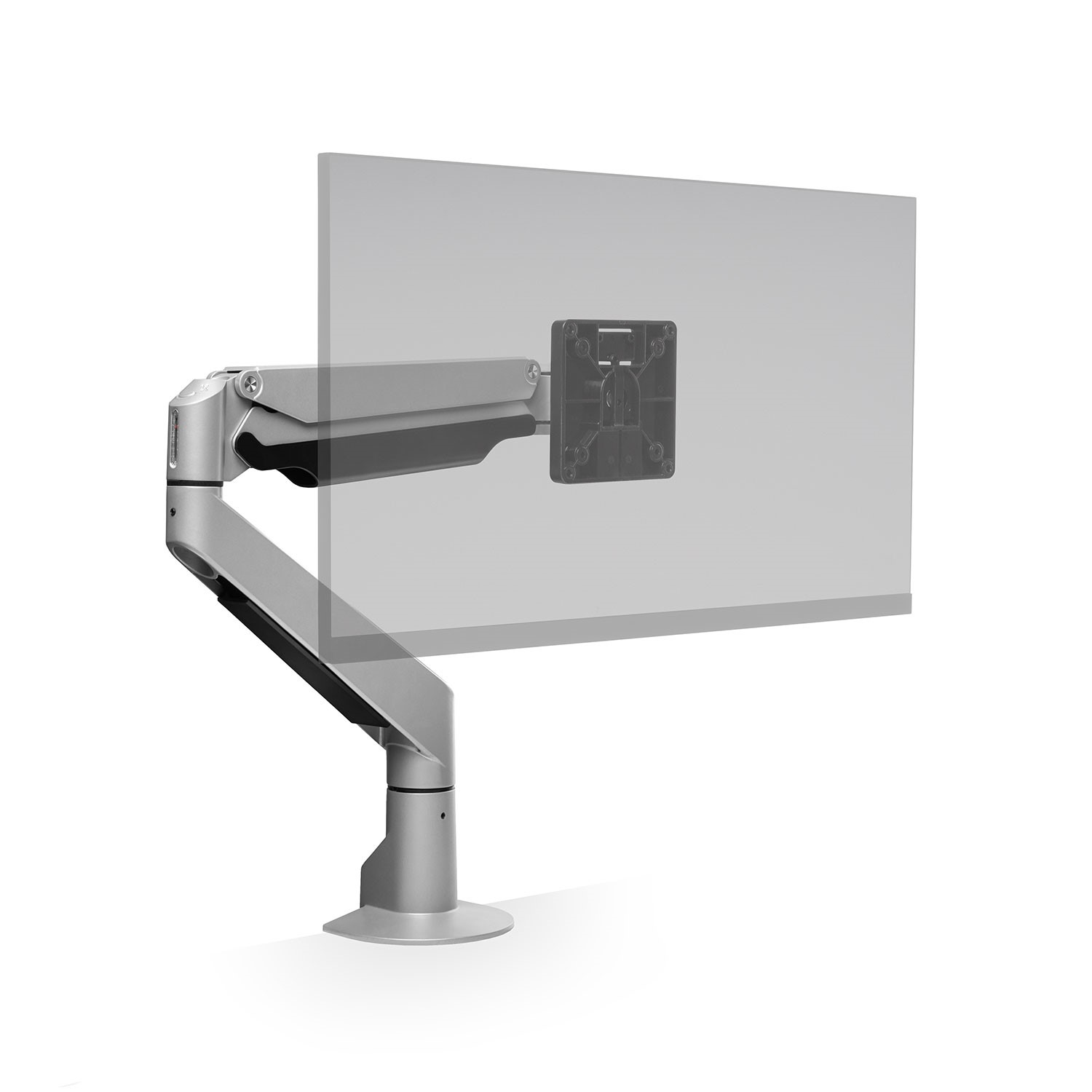
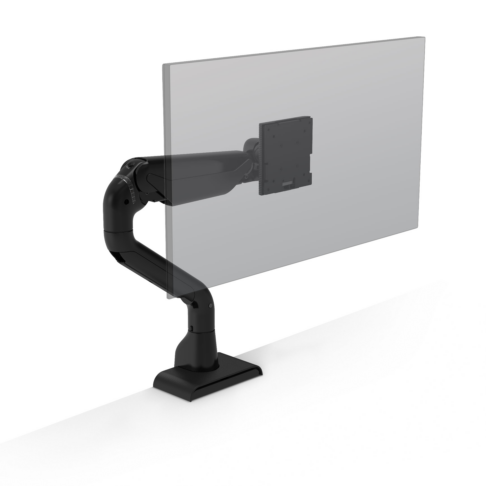
As the name suggests, the single monitor arm supports only one display screen, whereas a multiple monitor arm system can be used to support 2, 3, 4, 5, and even 6 monitors.
There are a few different types of monitor arms available, equipped to mount a wide range of monitor sizes. Most monitor arms are designed to support monitors up to 27”. Weight capacity can vary. If you have a larger monitor, an arm such as the Humanscale M8.1 Single Monitor Arm holds heavy monitors up to 12kg. Alternatively, if you’re looking for a more affordable option, the Adtec Single Monitor Arm can hold computer screens up to 8kg and an extra arm can be added if required.
Ergotron has a guide if you are unsure what mounting solution is best for you. Find it here.
The computer monitor arm can be attached to either your desk or other furniture. It can be attached using a clamp mount or a grommet mount. Your monitor arm will come with a set of installation instructions.
Typically a computer monitor arm shouldn’t cause any damage to your desk if it is installed correctly and if the desk is sturdy enough to support the weight and clamping force of the arm. However, we recommend considering these factors to avoid potential issues:
Clamp pressure: Avoid over-tightening the clamp as it can leave indentations or marks on the surface of the desk, especially if the desk is made of softer materials.
Desk material: Harder materials like solid wood or metal desks are less likely to get damaged, but materials like glass may not be suitable for computer monitor arms.
Weight distribution: Make sure that the weight is evenly distributed so that the arm and monitor are not too heavy or poorly balanced.
Surface protection: While some monitor arms come with padding on the clamp to protect the surface arm, if yours doesn’t you can add a piece of rubber between the clamp and desk to prevent scratching or indentations.
No, you do not have to drill a hole for a computer monitor arm, unless you prefer or require a specific type of mounting to your desk. Most arm stands come in two mounting options, clamp mount (C-Clamp) or grommet mount.
For more information about which type will be best for your setup, get in touch with our friendly team at Ergolink.
Ideally, the best height for a monitor mount is typically one that aligns at the top of your monitor screen at or slightly below eye level when you are seated comfortably.
For more details regarding the ideal monitor height, read our blog offering 5 tips for the right mnitor height.