CHRISTMAS & NEW YEARS HOURS – SHUT DOWN WED 3PM, 18TH DEC AND OPEN MON 12TH JAN. LAST DELIVERIES BY TUES 17TH DEC.

HELLO, WELCOME TO OUR NEW WEBSITE, ANY QUERIES CALL US ON (08) 9240 7066 OR EMAIL SALES@ERGOLINK.COM.AU - EXISTING MEMBERS WILL NEED TO RESET THEIR PASSWORD ON FIRST LOG IN - THANK YOU!

HELLO, WELCOME TO OUR NEW WEBSITE, ANY QUERIES CALL US ON (08) 9240 7066 OR EMAIL SALES@ERGOLINK.COM.AU - EXISTING MEMBERS WILL NEED TO RESET THEIR PASSWORD ON FIRST LOG IN - THANK YOU!

Shop our CPU Stands

Categories

Price Range

arrow


Brands

About our CPU Stands

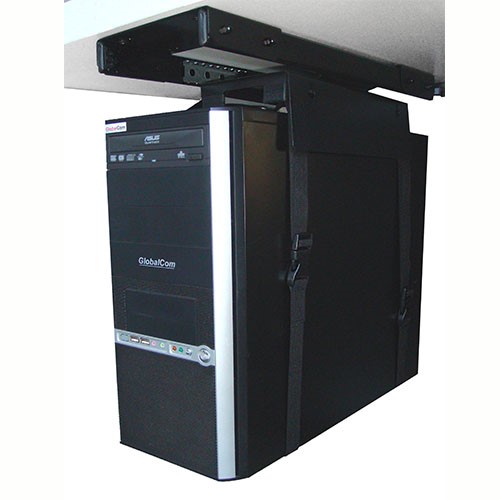
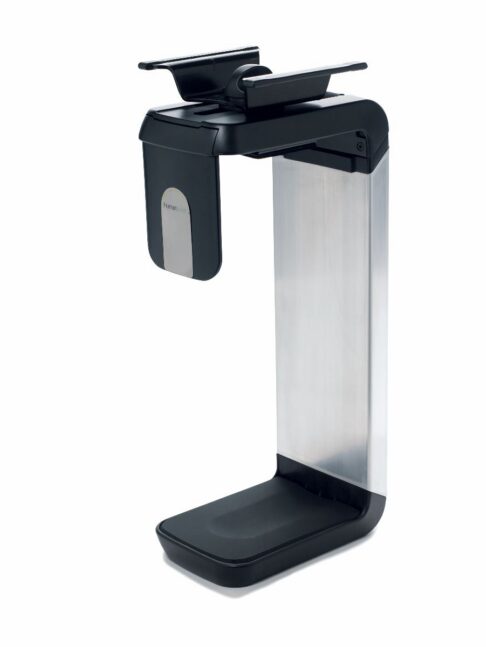
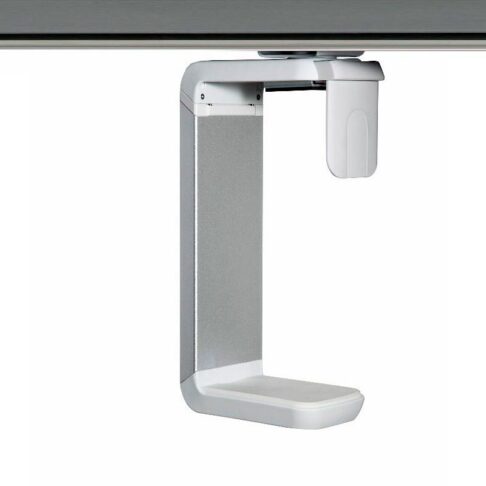
The most ergonomic and efficient workstations are usually free of clutter, with plenty of desk space for the task at hand. When optimising your office or home workstation, investing in a CPU stand, or computer tower holder is a worthwhile decision. A CPU stand is designed to support, elevate and store your desktop style computer to protect it from dust, liquid and other hazards, increase airflow, maximise desk space, and to provide easy access to ports and cables.

Whether you use your PC for gaming, work or leisure, a holder is one of the perfect accessories for your computer tower. Most holders are fully adjustable to suit your desk space and needs, whether it be for a standing desk or regular desk. Browse our range of CPU stands for storing your tower. If you’re unsure how your computer tower will fit into your space with the stand, visit our Perth showroom or contact one of our ergonomic experts on 08 9240 7066, we’re always happy to help.


FAQs

Where and how should my computer be stored?

Ideally, while your monitor should be placed in front of you on your desk, the PC tower should be tucked away safely from any hazards such as dust, dirt and liquid. When choosing a space for the CPU, you should also consider airflow to allow it to stay cool while in use. It’s also important to know how often you need to access it to plug in cables. All of these best practices when storing a computer can be easily implemented in one simple way; by installing a CPU holder or rack.

What should I look for in a CPU stand?

When browsing CPU holders, there’s a few things to keep in mind. Depending on how permanent your workstation setup will be, consider if the stand needs to be transported often and how easily installable it is. It’s important that the stand allows the CPU to be stored away from any damaging hazards. The durability and weight limit of the stand should also be taken into account, in case there’s the slim chance it could break under the weight of the tower. Most stands are width and height adjustable but it’s still best to measure your tower’s dimensions to ensure a snug fit. It’s also wise to think about how much you can swivel and rotate it if you need to access it frequently.

What is an adjustable CPU stand?

Most CPU stands are adjustable in nature. This means that when the case is installed on furniture, the height and width can still be adjusted. For sit-stand desks, this is particularly important to eliminate the risk of pulling a cable as the table moves up and down. An adjustable swivel mount also allows you to slide the CPU in and out of its position as well as swivel it around for easier access.