Office furniture is used for hours every day, so its value goes beyond appearance. Well-selected chairs, desks and accessories can support comfort, help employees work more consistently and provide long-term value.
The ROI of ergonomic office furniture depends on fit, adjustability, durability and how well the equipment supports daily work. Purchase price is only one part of its long-term value.
Why Ergonomic Office Furniture Is a Business Investment
Why Comfort, Support and Adjustability Affect Daily Performance
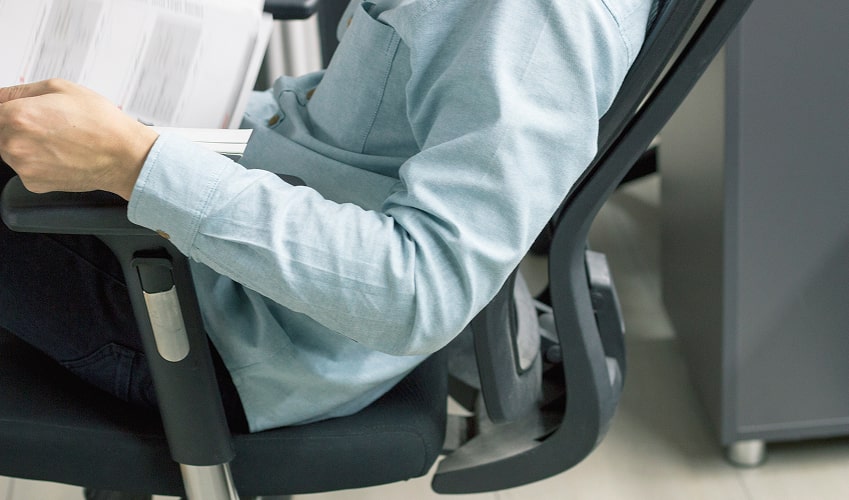
Furniture that suits the user can reduce repeated adjustments, unnecessary reaching and other interruptions during computer-based work. An ergonomic chair selected with suitable seat dimensions, back support and weight capacity can provide a better fit for the person using it.
Ergolink’s range includes different back heights, seat sizes, mechanisms, weight capacities and seat-depth options because one chair will not suit everyone.
How Poor Workstation Setup Can Contribute to Fatigue and Discomfort
A chair with the wrong seat depth, a desk at an unsuitable height or a screen positioned too low can make computer work more demanding. Employees may spend more time stretching or compensating for unsuitable equipment.
An ergonomic workstation review should consider how the chair, desk, monitor, keyboard and mouse work together. Changing one item may help, but it should not create a new problem elsewhere in the setup.
Why Businesses Should Consider Long-Term Value, Not Just Upfront Cost
The cheapest furniture is not always the most economical. Businesses should compare adjustability, commercial suitability, warranty coverage and whether it can be reassigned.
Ergolink selects products for ergonomic benefit, quality, value and ease of use. Its office task chair range includes different seat configurations, mechanisms and weight capacities. Some models also carry recognised commercial-use certifications and longer warranty periods.
How Ergonomic Chairs and Desks Can Improve Productivity
Supporting Better Posture and Focus During Long Workdays
Employees who spend long periods at a computer benefit from furniture that allows them to adjust seat height, back support, desk height and screen position to suit the task. A well-fitted chair can provide back support, while a height-adjustable desk makes it easier to change position during the day. The aim is not to hold one ‘perfect’ posture throughout the day.
Reducing Time Lost to Discomfort, Stretching and Workstation Complaints
Unsuitable furniture can lead to repeated adjustments, stretching and replacement requests. These interruptions may affect concentration and take managers, HR teams and WHS coordinators away from other work.
Matching seat depth, back height, mechanism and weight capacity to the user can reduce the likelihood of immediate replacement requests or makeshift workstation adjustments.
Helping Employees Work More Comfortably Across Office and Hybrid Setups
Hybrid employees may move between permanent, shared and home workstations. Furniture should be easy to readjust, reassign and use with laptops, monitors and other equipment across these different settings.
How Better Furniture Can Help Reduce Workplace Costs
Reducing the Risk of Musculoskeletal Discomfort and Injury-Related Costs
Workstation discomfort can create costs through equipment changes, employee complaints, absence and time spent reviewing unsuitable setups. Ergonomic furniture cannot guarantee injury prevention, but appropriately matched equipment can form part of a broader approach to reducing physical strain and managing workstation risks.
Supporting WHS Risk Management and Safer Workstation Practices
Ergonomic furniture can support a broader WHS approach to workstation risks. Adjustable chairs and desks allow employees to change seat height, back support and work-surface height, while monitor arms and laptop stands can help position screens more effectively.
Where an employee has specific requirements or ongoing discomfort, an independent ergonomic assessment can identify suitable equipment or workstation changes.
Improving Staff Satisfaction, Morale and Retention
Documenting workstation concerns, reviewing the setup and providing suitable equipment shows employees that reported issues are being acted on. Furniture alone will not determine staff retention, but a functional workstation can reduce frustration and contribute to a more supportive experience for employees in computer-based roles.
What to Include in an Ergonomic Office Furniture Investment
Adjustable Ergonomic Chairs with Lumbar Support and Seat Depth Options
A suitable ergonomic office chair should match the employee, role and hours of use. Important selection factors include seat depth, back height, mechanism, lumbar support and user-weight capacity. Ergolink’s range includes options across these features, helping businesses avoid relying on a single standard chair for every employee.
Sit-Stand Desks and Height-Adjustable Workstations
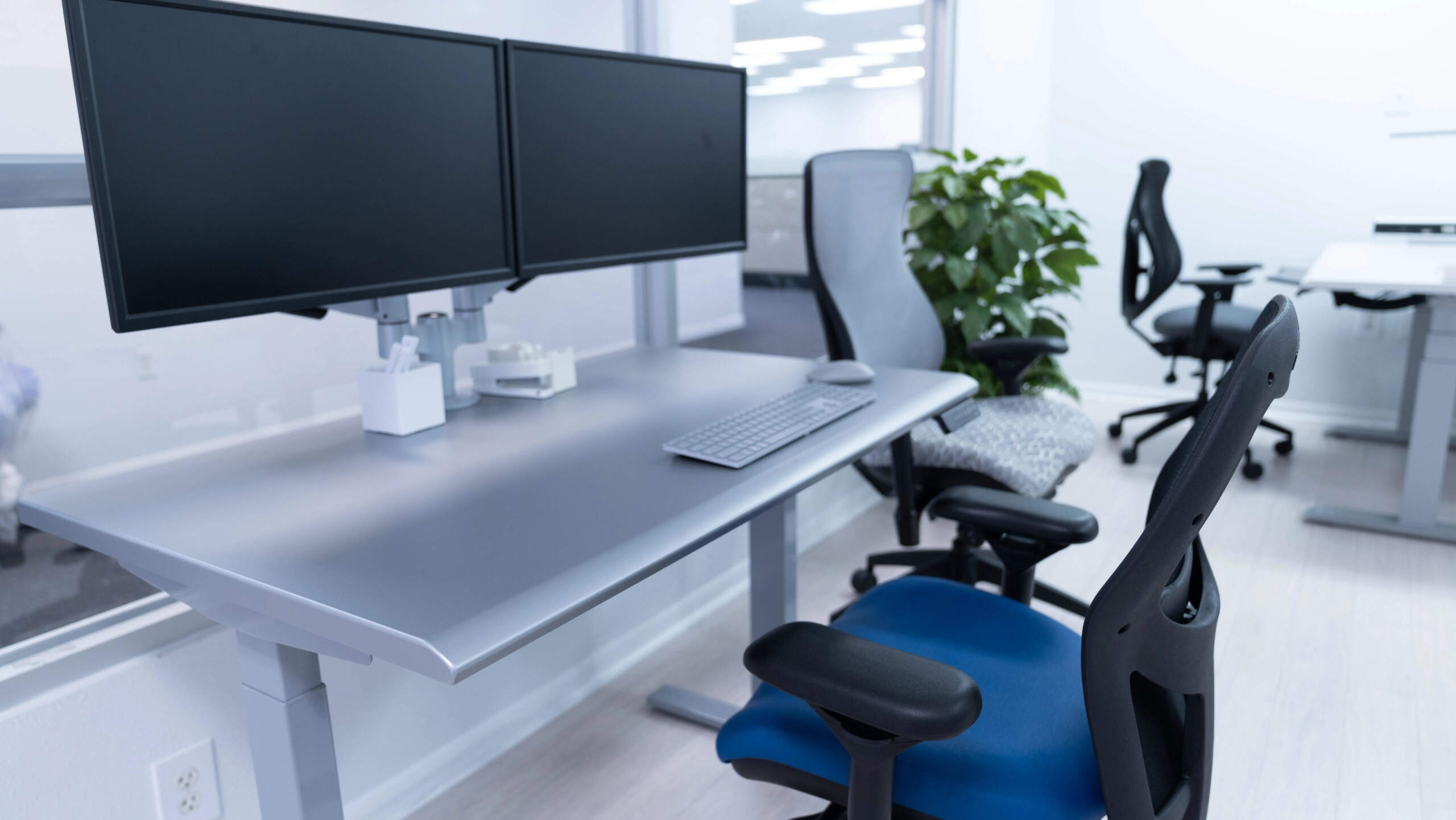
Changing between seated and standing work can add more movement to desk-based tasks. Ergolink’s range of standing desks for offices includes electric and manual desks, corner workstations, back-to-back systems and desktop converters.
Monitor Arms, Footrests, Laptop Stands and Ergonomic Accessories
Smaller products can improve an existing workstation without requiring a complete furniture replacement:
- Monitor arms can help position a screen at a suitable height and viewing distance
- Laptop stands can raise a laptop screen when an external keyboard and mouse are used
- Footrests can provide support where the user cannot place both feet comfortably on the floor
- Ergonomic accessories including compact keyboards, vertical mice and document holders, can address specific reaching and positioning needs
Ergonomic Assessments to Match Equipment to Employee Needs
Employees with ongoing discomfort or specific requirements may benefit from an independent ergonomic assessment. Ergolink refers customers to qualified independent providers and can help identify equipment aligned with their recommendations.
How to Measure ROI from Ergonomic Furniture
Track Absenteeism, Discomfort Reports, Productivity and Equipment Lifespan
To measure ergonomic office furniture ROI, establish a baseline before new equipment is introduced. Record workstation complaints, discomfort reports, absenteeism patterns, replacement requests and the time spent resolving setup issues.
After installation, compare these measures regularly. Fewer interruptions, better usability and fewer equipment-change requests may be easier to track than productivity alone.
| Cost Area | How Ergonomics Helps | Business Benefit |
| Discomfort and interruptions | Equipment can be adjusted to better suit the user | More consistent daily work |
| Workstation complaints | Furniture is selected around employee needs | Less time spent resolving setup issues |
| Equipment replacement | 5 year warranty coverage, repair history and replacement frequency can be tracked | Clearer evidence of long-term purchasing value |
| Shared and hybrid work | Adjustable furniture can accommodate different users | Greater workstation flexibility |
Compare Upfront Costs with Long-Term Savings and Reduced Replacement Needs
Compare the purchase price with delivery, installation, warranty coverage, maintenance, daily hours of use and whether the furniture can be reassigned when teams or roles change.
Ergolink’s chair range includes different adjustment systems, weight capacities and 5 year warranty, with recognised commercial-use certifications available on selected models. These factors help businesses choose office furniture suited to its intended use rather than defaulting to the lowest price.
Use Staff Feedback and Workstation Reviews to Guide Future Purchasing
Short surveys, conversations and workstation reviews can reveal whether furniture is easy to adjust, comfortable throughout the day and suitable for office or hybrid work.
This feedback can guide future purchasing based on real workforce needs.
Final Thoughts: Small Workplace Changes Can Deliver Long-Term Value
Businesses do not always need to replace every workstation at once. Targeted changes, such as a better-matched chair, an adjustable desk or improved screen positioning, can address specific problems while supporting more informed future purchasing.
Ergolink has supplied ergonomic equipment since 1998, and customers can compare chairs, desks and accessories at its Balcatta showroom before purchasing. Explore Ergolink’s ergonomic chairs, standing desks, monitor arms and workstation accessories online, or visit the showroom to compare options for your workplace.