CHRISTMAS & NEW YEARS HOURS – SHUT DOWN WED 3PM, 18TH DEC AND OPEN MON 12TH JAN. LAST DELIVERIES BY TUES 17TH DEC.

HELLO, WELCOME TO OUR NEW WEBSITE, ANY QUERIES CALL US ON (08) 9240 7066 OR EMAIL SALES@ERGOLINK.COM.AU - EXISTING MEMBERS WILL NEED TO RESET THEIR PASSWORD ON FIRST LOG IN - THANK YOU!

HELLO, WELCOME TO OUR NEW WEBSITE, ANY QUERIES CALL US ON (08) 9240 7066 OR EMAIL SALES@ERGOLINK.COM.AU - EXISTING MEMBERS WILL NEED TO RESET THEIR PASSWORD ON FIRST LOG IN - THANK YOU!

Shop our Numeric Keypads & Number Pads

Categories

Price Range

arrow


Brands

About our Numeric Keypads & Number Pads

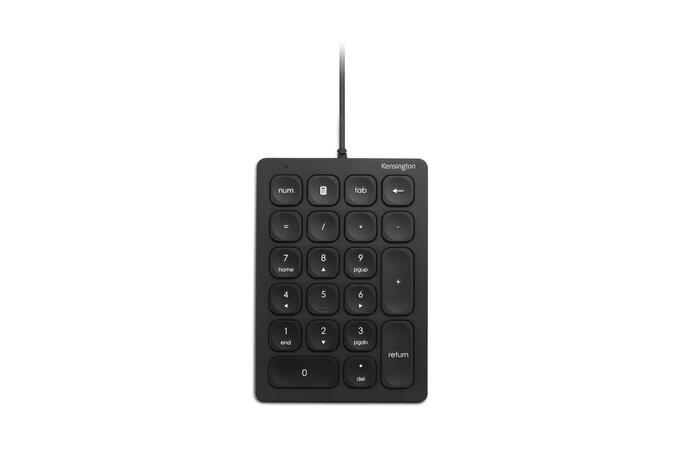
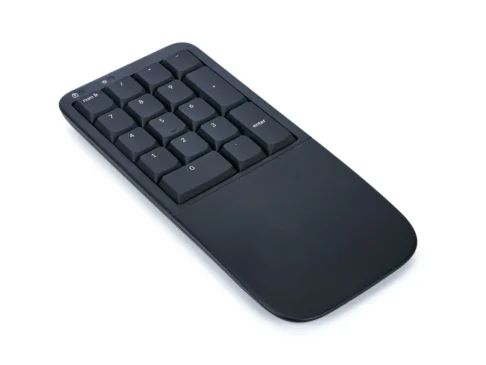
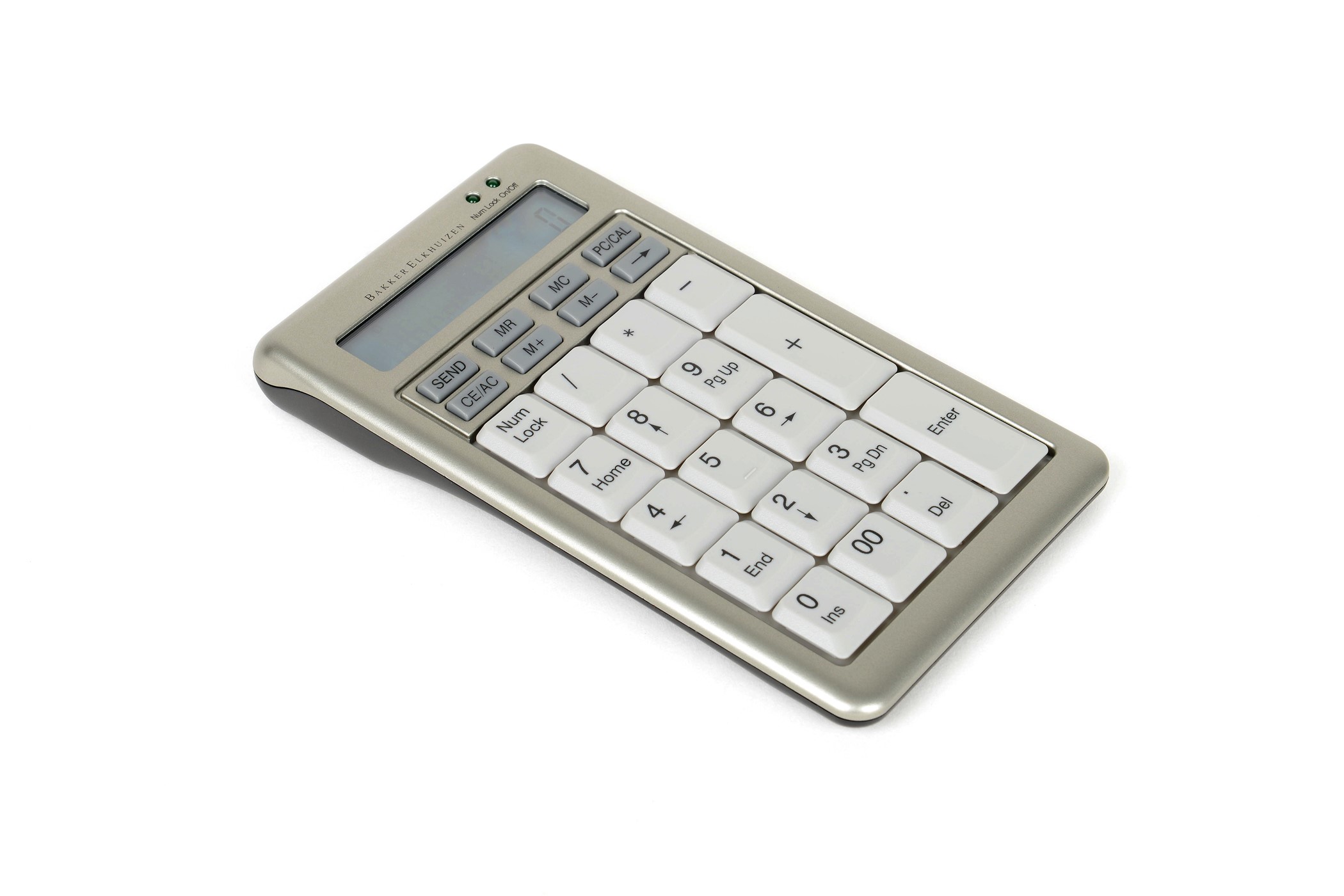
Looking for a standalone numeric keypad to make your workload easier? Also known as a number pad and located on the right-hand side of a standard keyboard, they are rarely used by most computer users but are vital for people who do a lot of numeric data entry.

Many ergonomic keyboard designers have decided to eliminate the keyboard number pad to create a more compact and portable keyboard that can be used in tight work conditions. By reducing the size of the keyboard, you can use your mouse closer to the computer which reduces the distance your hand has to travel.

A wireless or USB number pad is a handy addition when your work requires you to use the side numbers. You can simply connect the external number pad and operate it like you would with a typical keyboard. When you no longer need it, pack it away and enjoy a more comfortable keyboard experience.

To check out our range of numeric keypads before buying, we welcome you to visit our Perth showroom and speak with one of our trusted experts. Or, shop online – we can deliver anywhere in Australia.

FAQs

What is a numeric keypad?

Also known as the 10-key, numeric keyboard, numerical keypad, number pad or numpad, the numeric keyboard is actually a 17-key keypad that allows individuals to quickly input numbers into a computer. Full-sized keyboards often have the numeric keypad section on the far right; however, numeric keypads can also be purchased as a separate device that connects to the computer.

What are the benefits of using a 10-key numeric pad?

With a numpad product, you can just leave your other hand on top of the main keyboard while entering numbers. A numeric keypad also allows the user to input numbers or perform calculations quickly, provided that they are familiar with the layout. More proficient users are also able to use the number pad without the need to look down while using it.

Should I get a keyboard with a numpad?

Depending on the type of work and the user’s preference, a number pad can help make certain workflows more efficient. Users who often or constantly need to enter numeric values as well as perform calculations will greatly appreciate a dedicated numpad. However, most keyboards sold nowadays often do not include the number pad section since the main keyboard also has a row for numbers.

Can I buy a standalone number pad for a laptop?

Yes! Several keyboard and mouse manufacturers also sell standalone number keypads that can be used with laptops that don’t have the Numpad, and also with desktop computers that only have a 75% keyboard (a keyboard that does not have the Numpad section on the far right). Similar to standard keyboards, number pads are available in both wired and wireless configurations.

Is there a difference in layout between PC and Mac numpads?

PC and Mac-compatible numpads have almost identical layouts and keys, except for the Num Lock key. Apple’s own Magic Keyboard replaces the Num Lock key with a Clear key.

Where is the home row in a number keypad?

Following the design of the main keyboard, the numeric keypad also features a so-called home row, which includes the keys for 4, 5, 6, and Enter. Touch typists often place their index finger on the number 4, the middle finger on the number 5, the ring finger on the number 6, and the pinky finger just rests on the Enter key.